
Midday peak
The line makes the heavier stretch of the day visible.
TypeFuel runs passively on the computer you already use for demanding work. It learns your usual keyboard rhythm first, then shows when your cognitive load looks Low, Medium, or High against your own baseline.
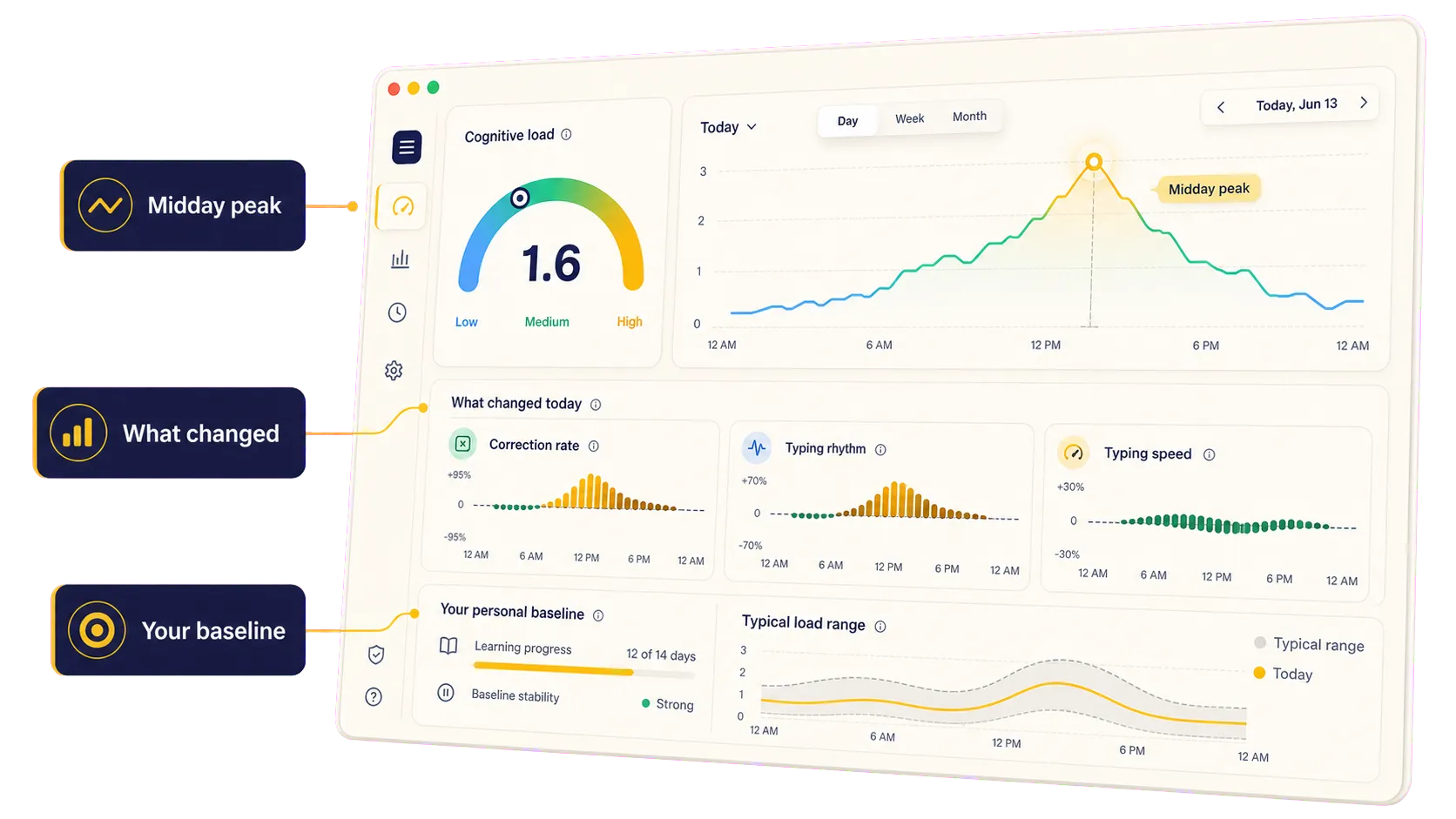
The dashboard shows the workday curve first, then the timing drivers that changed against your usual rhythm. If that experience sounds familiar, read why computer work can feel mentally heavier after work.
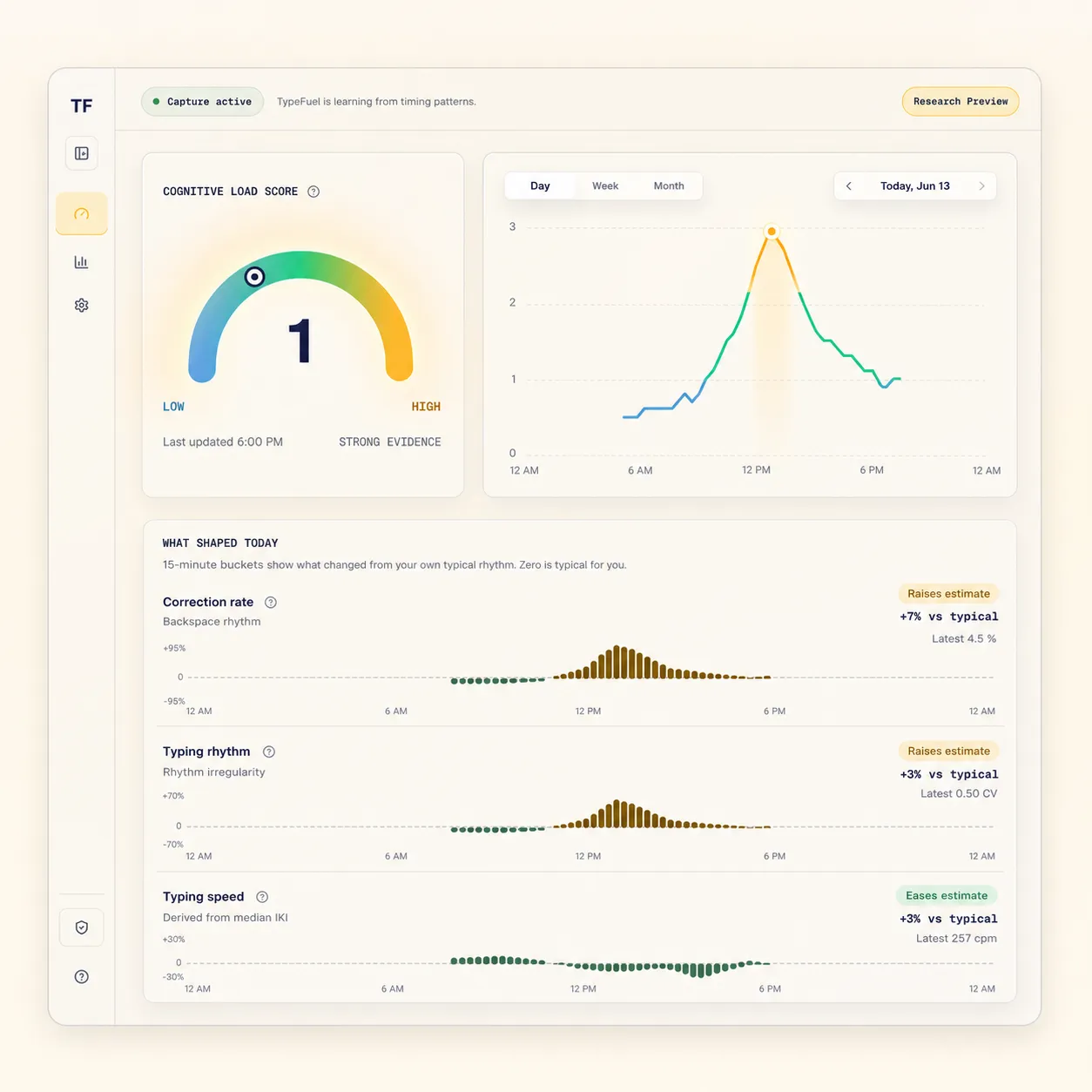
The line makes the heavier stretch of the day visible.
Correction rate and typing rhythm show what raised the estimate.
The view reads today against your own usual rhythm.
TypeFuel is a cognitive load app for people whose demanding work happens at a keyboard. It runs in the background, learns your work rhythm, and keeps the signal grounded in your own baseline.
TypeFuel runs where the work already happens: on your computer.
There is no device to buy, pair, charge, remember, or wear.
It learns passively while you work, then compares load with your own baseline.
TypeFuel does not ask how you feel or make you log sessions. It learns keyboard timing patterns first, then compares later work rhythm with your usual baseline.
Grant the desktop permissions and keep working in your normal tools.
TypeFuel learns keyboard timing, correction rate, typing rhythm, and typing speed.
After confidence builds, the dashboard shows Low, Medium, or High cognitive load.
TypeFuel tracks cognitive load from timing summaries, not the content of your work. Read The Deal for the full preview data boundary before installing.
Research Preview
The product promise is simple: track cognitive load from passive computer-work signals. The current preview keeps the claim conservative while validation continues. If you are comparing tools, read TypeFuel vs RescueTime.
The short version before you install.
Install once and let TypeFuel learn your normal work rhythm before it scores the day.